
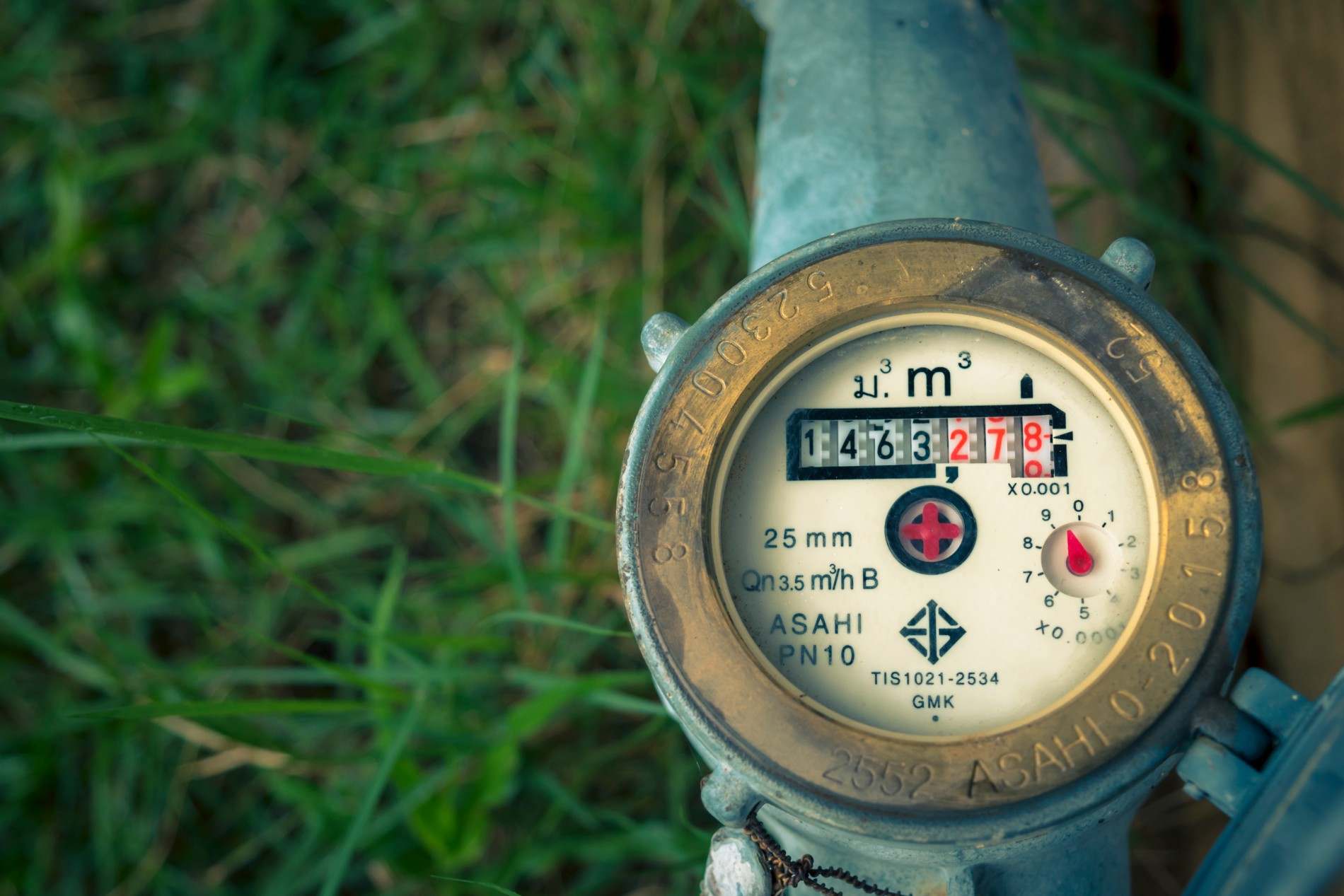




What to expect migrating legacy utility systems to the cloud: the signs you are ready, the step-by-step process, the timeline by size, and the four risks.
For US Utilities serving 3,000-100,000 meters and for operations team, billing team and utility managers. For Heads of Billing who own collections accuracy and revenue leakage.
Migrating legacy utility systems to the cloud means moving your billing, CIS, and metering data off aging on-premise software onto a hosted platform, through data preparation, validation, configuration, a parallel billing run, and cutover. The steps that decide success are cleaning the data before it moves, validating the migration across several cycles, and keeping a rollback path through the first billing cycle. This guide covers the signs you are ready, the process, the timeline, and the risks.
Replacing the system a utility runs on is a project few teams do more than once a decade, which is why it feels risky. Done well, a migration is a structured sequence with a safety net at cutover; done badly, it exposes a billing cycle and the revenue in it. This guide is for water, electric, and gas utilities serving roughly 3,000 to 100,000 connections planning to move off a legacy system, and it covers what to actually expect.
The core system in most migrations is billing and CIS, so a clear picture of how modern utility billing software is delivered as a cloud service frames the move. The sections below cover the signs you are ready, the process, the timeline, and the risks.
How many of these describe your current system?
Most utilities know their system is failing before they act on it. The signs are consistent:
When several of these are true, the case for moving is usually made, a case laid out in our guide to why utilities are moving to cloud software.
Is your migration mostly about the software, or about your data?
A migration is four things: preparing and cleaning your data, configuring the new platform and its integrations, training staff, and cutting over with a safety net. The largest share of the work and risk is in the data, because a new platform cannot fix dirty source records. Modern platforms use machine assistance to reach 97 to 99 percent migration accuracy across validation cycles, but that still depends on clean inputs.
What are you actually trading when you move?
The move changes how the system behaves day to day. The table compares the two.
The full economics of the two models are laid out in our cloud vs on-premise utility software comparison.
Is your migration a documented sequence, or an improvised one?
A clean migration follows the same order every time. These are the steps.
The data steps are where most projects slip, and they are covered in our guide to utility software data migration.
Does the vendor's timeline match your utility's size, or a generic estimate?
Migration time scales with connection count, data quality, and integrations, not the software. A small utility with clean data can go live in weeks; a 25,000 to 35,000 connection utility takes about nine months; a 100,000-plus connection utility runs closer to 18 months. Island Water Authority, a greenfield-like deployment, went live in 10 weeks. The variable is almost always data migration and validation, not building the software.
Which of these risks is most likely to hit your project?
Utility managers worry about a few specific risks, and each has a known mitigation:
The cost side of these decisions is covered in our guide to reducing utility software TCO with cloud. Federal guidance on utility infrastructure resilience from the EPA reinforces the same point: plan the cutover, do not improvise it.
Four phases: preparing and cleaning your data, configuring the new platform and its integrations, training staff, and cutting over with a parallel run and rollback path. Most of the work and risk is in the data, because a new system cannot fix dirty source records. The safeguards that protect a billing cycle are validating the migration across several passes and running the old and new systems in parallel before cutover.
It depends on size and data quality. A small utility with clean data can go live in weeks, a 25,000 to 35,000 connection utility in about nine months, and a 100,000-plus connection utility in roughly 18 months. Greenfield deployments with no legacy data are faster. The variable is data migration, integrations, and rate complexity, not the software itself, which is already built.
It should not be, if the project runs a parallel billing cycle before cutover. You bill on the legacy and new systems together, compare the outputs, and retire the old system only after a cycle matches. That parallel run, plus a rollback path through the first validated cycle, is what protects revenue so the customer-facing billing cycle continues without disruption.
With a modern, machine-assisted process, 97 to 99 percent accuracy across validation cycles is achievable, but only if the source data is cleaned first. Legacy systems accumulate duplicate accounts, retired meters, and rate-code inconsistencies that break on migration. Cleaning the data before it moves, then validating across several passes, is what reaches high accuracy, rather than a single extract-and-load.
Migrating legacy utility systems to the cloud is a structured project, not a leap: clean the data, validate across cycles, run in parallel, and keep a rollback path. The utilities that migrate well are the ones that treat data and cutover as the real risks and plan for them. See how a unified utility billing software platform supports a machine-assisted migration and a go-live that protects your revenue, so moving off legacy does not put a billing cycle at risk.
Bynry Inc.
8 The Green STE.R,
Dover, Kent,
Delaware 19901
+1 732-630-0285
Bynry Inc.
Serene Tower, Pakharbaug
Pune, Maharashtra 411021
+91 93252-51217


.jpeg)