
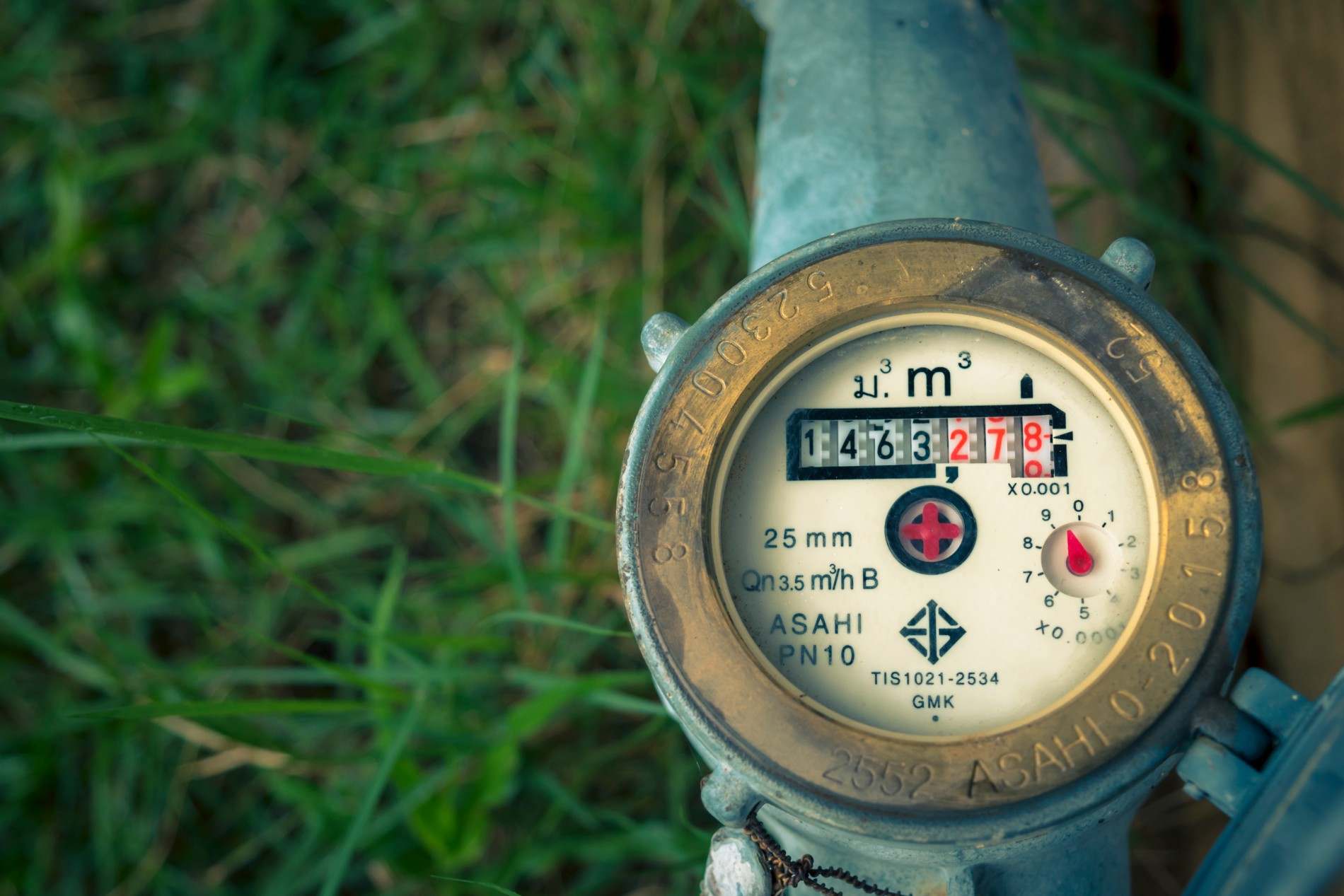




A data migration guide for water utilities replacing their CIS: what transfers to the new system, what gets cleaned first, and what risks to prevent.
For US Utilities serving 3,000-100,000 meters and for operations team, billing team and utility managers. For Heads of Billing who own collections accuracy and revenue leakage.
Water utility CIS data migration transfers all operational records from a legacy system to a new platform: customer accounts, billing history, meter reads, service orders, payment records, deposit balances, service line records, and rate schedule assignments. The migration does not move everything indiscriminately; data is audited, cleaned, and validated before cutover to prevent billing errors and compliance gaps from entering the new system at go-live. The SMART360 customer information system includes a managed data migration service as standard, covering extraction, cleanup, field mapping, testing, and validation for every water utility implementation.
The question that slows more water utility CIS replacement decisions than any other is not about price or product features. It is the data question: what happens to everything we have built over the last fifteen years? The billing histories, the customer accounts, the meter reads going back to 2009, the service line records maintained by four different field supervisors in four different places.
The anxiety is understandable. The answer is concrete. A well-executed CIS migration moves your data systematically, not all at once: it audits what you have, cleans what needs cleaning, maps each field to its equivalent in the new system, tests the result, and validates against the source before any cutover is authorized. Nothing is lost. What matters is understanding what migrates, what gets archived, and where the real complexity lives.
Does your team have a complete catalogue of every data category inside your legacy CIS, including what is stored outside the system in spreadsheets, GIS layers, or paper files?
Most water utility directors are surprised by the full scope of data a legacy CIS holds. A typical system contains eight to twelve distinct data categories, each with different volumes, formats, and migration complexity. The table below maps what a legacy CIS typically holds, the format challenges each category presents, and the migration complexity rating based on how often each category causes delays in practice.
The highest-complexity categories, service order history, service line records, and compliance and inspection records, are the ones most likely to be partially or entirely outside your CIS. A utility that has been running for thirty years will often have data scattered across three or four systems and a filing cabinet. Before migration begins, your migration partner's first task is finding all of it.
For a detailed look at what a modern CIS must do with this data once it is migrated, CIS billing software: key features every utility must require covers the capability checklist.
Not everything in your legacy system needs to live in the new one. Deciding what migrates, what gets archived for compliance access, and what can be safely retired is one of the most important planning decisions in the migration process, and one most utilities do not make explicitly enough.
Archived data does not disappear. It is exported in a searchable format and retained in accordance with EPA Safe Drinking Water Act requirements and your state PUC's data retention rules. Your compliance team should confirm retention schedules before migration begins so nothing is retired prematurely.
Data quality issues in legacy utility systems are not hypothetical. They are the rule in any system that has been running for ten or more years without a major database overhaul. Here is what dirty data actually looks like in practice, and why each type matters to your migration:
1. Duplicate customer accounts. A customer moves, the old account is not cleanly closed, and a new account is opened at the same address. The legacy system holds both. Without deduplication before migration, the new system inherits the same ambiguity and the first billing run surfaces it as an exception.
2. Meter read gaps. A meter was replaced three years ago, but the read sequence in the CIS was never reconciled to the new meter ID. The read history has a gap, or a sequence of estimated reads that were never corrected. Migrating an uncorrected sequence produces incorrect billing history in the new system.
3. Billing history in proprietary formats. Legacy CIS platforms from the late 1990s and early 2000s stored billing data in formats specific to that vendor's architecture. These formats are not readable by modern systems without a translation layer. Migration teams that have not migrated from your specific legacy platform before will spend weeks reverse-engineering the data structure.
4. Service line records in spreadsheets. The EPA Lead and Copper Rule revisions require utilities to maintain a complete, reportable service line inventory. Many utilities hold this data in GIS layers or Excel files maintained by field supervisors, separate from the CIS entirely. Migration is the moment to consolidate service line data into the CIS where it belongs.
5. Deposit balances on closed accounts. Deposits from accounts closed five or more years ago may still be sitting in the system, unclaimed. These must be handled according to your state's unclaimed property rules. Migrating them without review creates a financial reconciliation problem in the new system from day one.
The data cleanup phase, where these issues are identified and resolved, must happen before extraction. Migration teams that discover dirty data mid-migration face a choice between delaying go-live to clean it or going live with known data quality problems. Front-loading data quality work is the single most effective way to protect the 20 to 24 week implementation timeline.
Data mapping is the technical process of defining exactly how each field in your legacy CIS translates to its equivalent in the new system. Every piece of data your utility holds has a structure: a field name, a data type, a relationship to other fields. That structure is different in every CIS platform.
When your migration team maps your data, they are building a translation layer. A field called "ACCT_NO" in your legacy system maps to "account_id" in the new platform schema. A field called "READ_DT" maps to "meter_read_date." It becomes complex when your legacy system combined what the new system separates: a single "BILL_AMT" field that the new system splits into base charge, consumption charge, and tax, or when your legacy system stored data in a format the new platform does not recognize.
Three factors determine how straightforward data mapping will be for your utility:
For a framework on evaluating CIS vendors against these data architecture criteria before you commit to a platform, CIS systems for utilities: how to evaluate and choose covers the vendor selection process and the questions to ask.
Data validation is the process of confirming that what arrived in the new system matches what was in the legacy system, with the right values, in the right relationships, for the right accounts. It is the sign-off gate that stands between a test migration and a live go-live.
A complete data validation checklist for a water utility CIS migration covers seven checkpoints. Each must pass before the legacy system is decommissioned:
This checklist runs during the parallel period, where both systems operate simultaneously, before final cutover is authorized. Billing total reconciliation and account balance cross-checks run after each billing cycle during the parallel period. Only when all seven checkpoints have passed for a minimum of two consecutive billing cycles should the legacy system decommission be scheduled.
Has your utility identified all the locations where operational data lives outside the CIS, including GIS layers, spreadsheets maintained by field staff, and paper records held by supervisors?
Most migration failures are not technology failures. They are data failures: problems that existed in the legacy system before migration began and were not caught before cutover. The four risks below account for the majority of migration delays and post-go-live issues in utility software implementations.
The common thread across all four risks is timing. Each one is preventable when caught before extraction. Each one is expensive when discovered after go-live.
For a look at how CIS integration with self-service and billing tools creates the engagement outcomes that depend on clean migrated data, CIS billing software: how it improves customer engagement covers the connection between data quality and customer-facing performance.
SMART360's data migration service is a managed service included as standard in every implementation, not a billable add-on. In practice, that means:
For a practical guide to deploying the self-service portal that gives customers and staff direct access to the migrated account data, utility customer self-service portal implementation covers the integration requirements and rollout sequence.
All operational data transfers during a water utility CIS replacement: customer account records, 24 or more months of billing history, meter read sequences, service orders, payment records, deposit balances, service line records, and rate schedule assignments. Your migration partner begins with a data audit to catalogue every dataset in your legacy system, including data held outside the CIS in GIS layers, spreadsheets, or paper records, and confirms the full scope before migration begins.
The data audit phase, conducted before extraction, will tell you. Common red flags include: billing exception rates above 5% in your current system, service line records held outside the CIS, meter ID mismatches from prior replacements, and accounts with missing or inconsistent address data. None of these disqualify a migration; they define the cleanup scope. A migration partner's job is to identify these issues early, not discover them at go-live.
Not with a managed migration service. Your IT Director's role is to provide access to the legacy system, confirm the data inventory, and sign off on validation results. The technical extraction, mapping, cleanup, test migration, and loading are handled by your migration partner. For utilities running lean IT teams of one or two people, this is a standard delivery model.
Closed account billing history is handled in one of two ways: migration to the new system for accounts closed within the active window (typically 24 months, or as defined by your retention policy), or archival export for accounts closed beyond that window. Archived records are retained in a searchable format per EPA Safe Drinking Water Act requirements and your state PUC's data retention rules.
For a utility with reasonably well-maintained data, cleanup typically adds two to four weeks to the discovery phase. It does not extend the overall 20 to 24 week migration window. Utilities with significant data quality issues (heavily fragmented service line records, large volumes of duplicate accounts, or billing history in unreadable legacy formats) may see cleanup extend by four to eight additional weeks. Identifying these scenarios early in the data audit is exactly why the audit is the first step, not an afterthought.
Bynry Inc.
8 The Green STE.R,
Dover, Kent,
Delaware 19901
+1 732-630-0285
Bynry Inc.
Serene Tower, Pakharbaug
Pune, Maharashtra 411021
+91 93252-51217


.jpeg)